
10 Ways to Teach Something Useful Without Turning Your Video into a Lecture
Your tutorial does not need another long introduction. Explore ten ways to make educational videos useful through examples, decisions and visible practice.
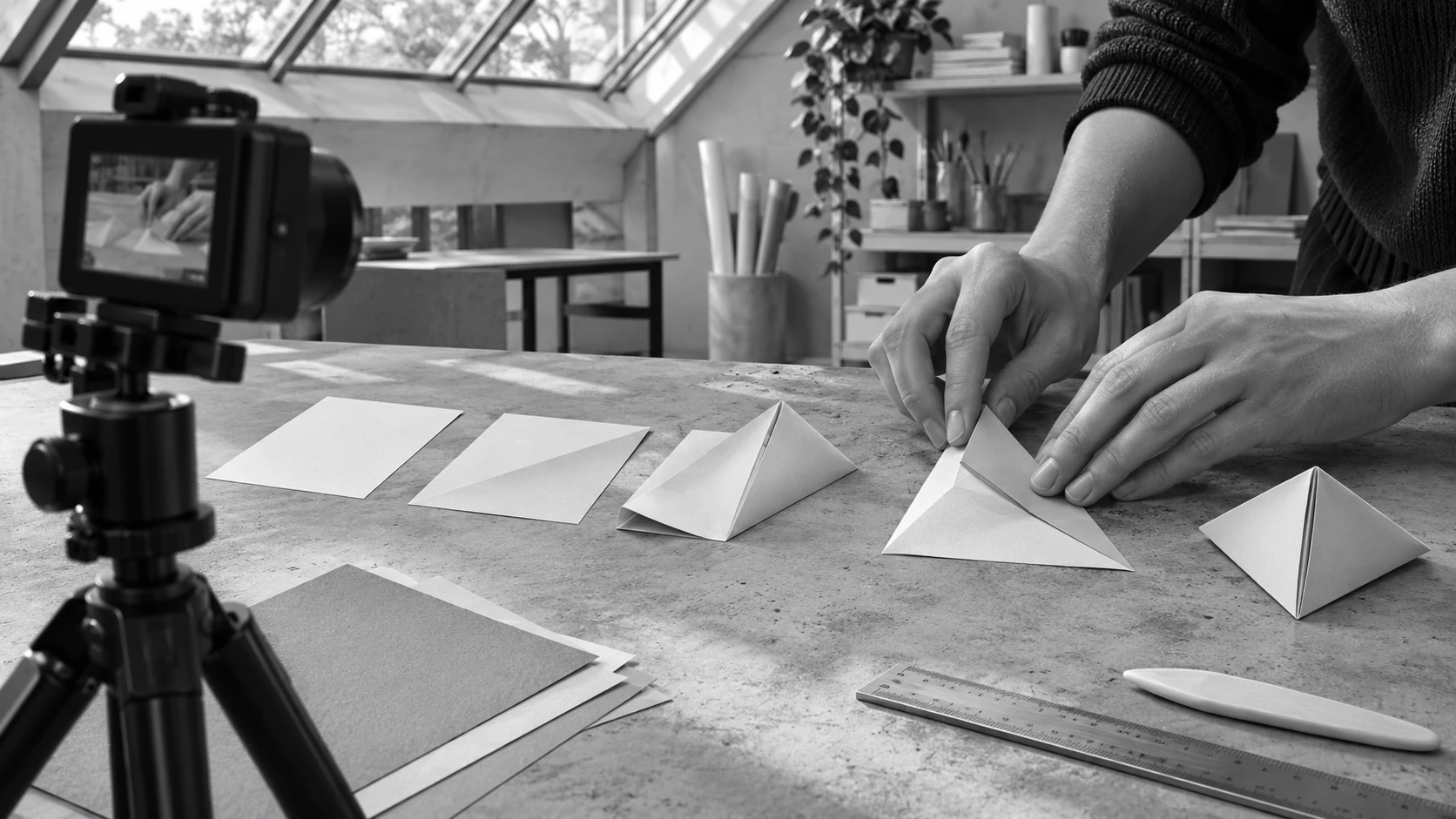
Expertise creates a scope problem
Imagine a creator preparing a short lesson about framing a simple desk scene. The draft script starts with camera history, introduces every available angle and ends with a quick example after several minutes. The creator has useful knowledge, but the viewer came with a smaller question: how do I stop my hands from hiding the action? This illustrative mismatch happens when teaching begins with everything the expert knows rather than the decision the learner is trying to make.
Write the practical result before the outline. A useful lesson might help someone choose between two camera positions or recognize why a caption is difficult to read. The ten formats below keep that result close to the pictures. They are original editorial approaches, not a ranking of educational formats. You can combine them later, but test a single one first so you can tell what the viewer actually understood.
10 practical moves to try
Answer one actual beginner question
Take a narrow question from genuine audience feedback or a conversation you can accurately describe. State it in the opening and show the answer before expanding the context. “Where should my hands go?” creates a clearer task than “Everything about filming.” The benefit is a lesson with an obvious finish line.
Compare two workable choices
Put two legitimate approaches beside each other and explain when each helps. Keep the conditions comparable so the contrast is informative. A higher and a lower camera position can reveal different parts of the same task. Avoid inventing a deliberately bad option merely to make your preferred answer look impressive.
Diagnose a small mistake on screen
Show a specific error, identify its consequence and make a visible correction. For example, move a caption away from the action it hides. Explain why that change helps instead of merely presenting a cleaner frame. The viewer learns a way to recognize the issue in their own work rather than memorize a rule.
Change one condition and observe it
Keep the task the same while changing one controllable element, such as distance or framing. Show the outcome under both conditions and describe what the comparison can establish. If the light and angle both changed, say so. A small transparent experiment teaches more reliably than a dramatic comparison with hidden differences.
Explain a decision tree with simple materials
Use cards or a sketch to show how one answer leads to the next choice. Keep the branches limited to the decision the viewer faces today. A creator deciding whether to use narration can compare what the pictures already explain with what remains invisible. The graphic should clarify the choice rather than decorate it.
Show the overlooked middle step
Many lessons show preparation and success while skipping the awkward movement in between. Slow down at the moment where the result becomes possible. Frame it so hands and tools do not hide the action. This is often the part a learner needs to repeat, even when it is less visually polished than the finish.
Replace an abstract term with a visible example
Introduce a professional term only when you can show what it changes. Instead of defining visual hierarchy at length, arrange the same three elements in two ways and discuss what a viewer notices first. Then name the principle. The example gives the vocabulary a practical reference and reduces the burden of remembering jargon.
Guide a first attempt with a small constraint
Give the viewer a task that can be completed with materials already at hand: tell one idea in three shots or revise one opening sentence. Show your attempt and the question you used to assess it. A bounded exercise makes the lesson actionable without claiming that everyone has the same time, access or equipment.
Show a revision, not just a finished example
Present a draft, explain one problem and show the specific revision. Keep the before version realistic rather than exaggerating its weakness. A script can become clearer when you replace an unnamed “this” with the actual action. The useful lesson is the editing judgment, not the idea that skilled creators get everything right immediately.
End with a transfer question
Ask the viewer where the same decision appears in their next piece of work. A framing lesson might end by asking which movement currently disappears behind a hand. This invites application without repeating the whole video. The next useful step should follow from the lesson rather than become an unrelated request to keep watching.
Build a lesson around a visible decision
A useful lesson gives someone a decision they can recognize again in their own work.
Design the demonstration before the explanation
Adobe’s production guidance separates planning, filming and editing. For a small teaching video, that means deciding what must be visible before you start recording. Arrange the materials, test the angle and perform the action once at the pace a new viewer needs. Record the explanation after you know which movements the pictures already make clear. This can prevent a voiceover from describing details that the camera never captured.
| Learner’s obstacle | A useful format | What proves understanding |
|---|---|---|
| Cannot choose between options | Side-by-side decision | Explains the relevant difference |
| Cannot see the cause | One-variable change | Names what changed |
| Understands words but cannot act | Guided first attempt | Completes the small task |
Practical questions
How much should one educational video teach?
Enough to complete the promise in the title without hiding necessary conditions. Begin with one observable task or decision. If the explanation requires several independent lessons, create a series and make each part complete on its own. A smaller scope can still provide substantial value when the example is specific and the reasoning is clear.
Can an educational video be entertaining without jokes?
Yes. A visible problem, a surprising but honest comparison and a satisfying resolution can create interest. Entertainment does not require turning every lesson into a performance. Let the viewer anticipate what will change, then give them enough information to understand why it changed. Keep the outcome proportional to the example.
What should I ask for after someone watches?
Invite a small action that tests the lesson: try the framing, rewrite the sentence or compare two choices. Ask for a specific observation rather than a vague comment. A practical response can tell you whether the explanation transferred to another situation. Do not treat every comment as evidence that the technique produced a business result.
Turn this opportunity into a working brief
Review the points below and download a brief for your team. Your notes stay in this browser.
Sources and editorial context
The ten teaching formats are original editorial exercises. The sources explain production and review tools; they do not establish learning outcomes or a ranked list of formats.