
Los Angeles Korean Restaurant Marketing: Can Customers Find Your Menu, Ordering and Catering?
Connect a Korean restaurant’s menu, ordering and catering journeys with clear bilingual information, reliable links and a practical update workflow.
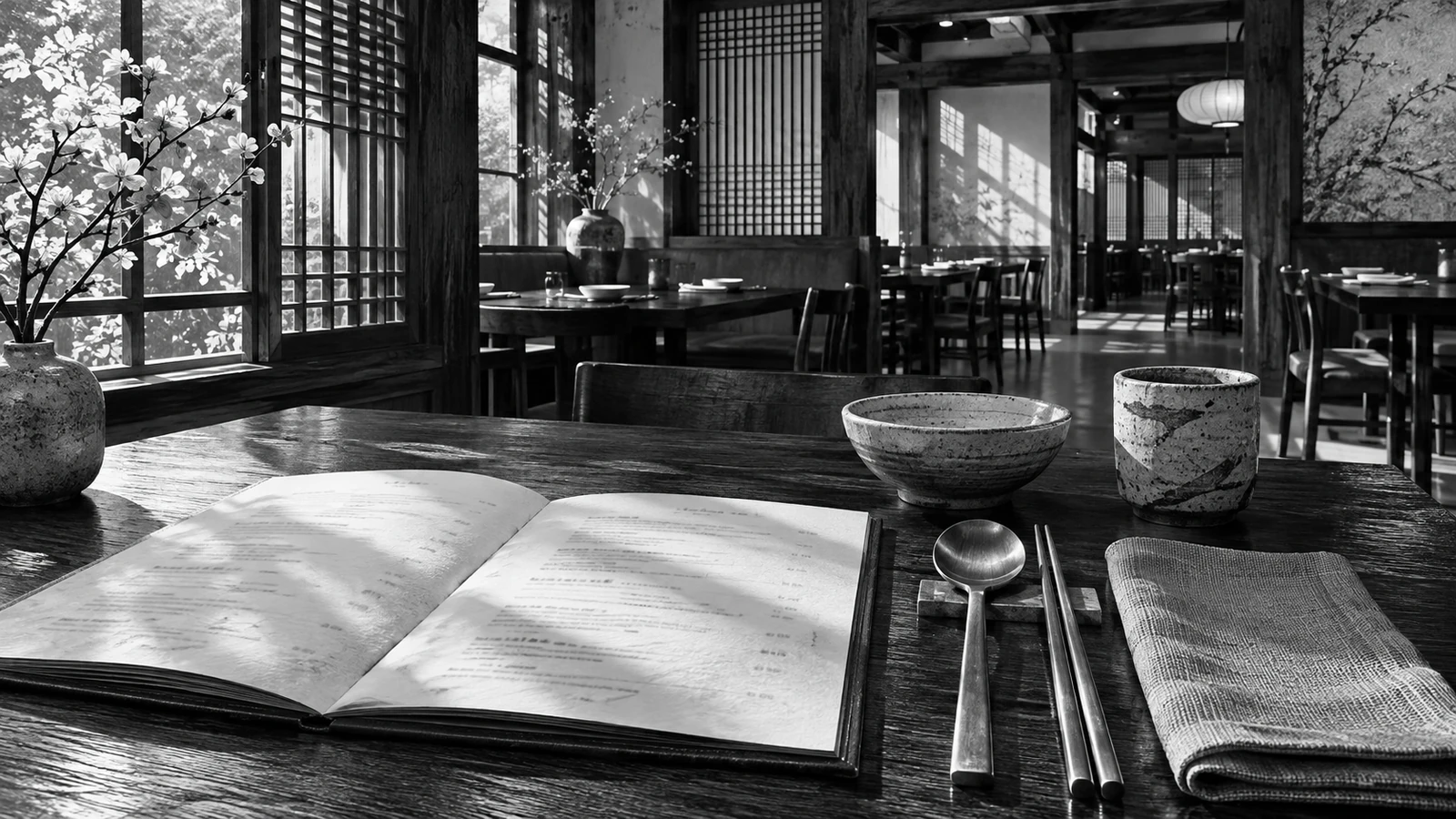
What should a restaurant visitor be able to do without calling?
Start with the ordinary questions staff answer repeatedly: what is available, when the restaurant is open, which location the guest needs and how to order or reserve. Put those answers where someone arriving from search can find them. A homepage video can create interest, but it should not obscure the practical information that lets a customer act.
Separate dine-in, pickup, delivery and catering when the business offers them. Each route has different constraints, so avoid one vague Contact button for every situation. A person ordering dinner tonight should not complete an event inquiry. A catering prospect should not have to build a large retail cart to ask whether the restaurant can serve an event.
Build a dependable restaurant information path
- 01Approve the current menu factsCheck names, prices and service periods in both language menus.
- 02Publish readable Korean and English versionsOpen ordering and reservation links from a phone.
- 03Connect order, reserve and event tasksKeep catering requests separate from accepted bookings.
- 04Assign an update owner and check dateRecord who updates every public menu source.
An outbound click and a completed order are different events. Keep reporting and customer confirmations precise.
Why use a readable HTML menu as well as photographs or a PDF?
Use real text for item names, concise descriptions, relevant prices and service periods. Keep photographs for appetite and context, and retain a printable PDF if customers use it. PDFs can be indexed; the reason to maintain an HTML menu is to make ordinary reading, updating and navigation convenient. Do not require a guest to zoom into a tiny photographed menu just to find a dish.
Maintain a shared item reference behind the Korean and English versions. Names, portion information and availability conditions should agree even when the wording differs. Explain unfamiliar dish terms plainly without inventing ingredient or dietary assurances. Direct specific ingredient and allergy questions to the restaurant's responsible staff rather than turning a broad menu tag into a safety promise.
How should menu, order and reservation links work together?
Google Business Profile supports menu and transaction links where the relevant features are available. Review the public destinations rather than assuming that the link entered by the owner is the only one visible. Third-party ordering or reservation providers can add another route. The useful check is whether a customer reaches the correct business, location and task.
Test every important handoff on a phone. Confirm that pickup does not open an unintended delivery flow, that the ordering destination uses the current branch and that reservation availability comes from the live booking system. Track outbound actions honestly. Clicking through to an external platform is an order or reservation lead signal, not proof that the transaction was completed.
| Customer task | Destination | Correct confirmation |
|---|---|---|
| Choose a meal | Readable current menu | No purchase implied |
| Order pickup | Correct-location order system | Accepted order from the system |
| Reserve a table | Live reservation system | Confirmed date and time |
| Discuss an event | Catering scope and short form | Request received, pending review |
Which information makes a catering inquiry useful?
Ask for the event date, approximate guest count, destination or pickup preference and a way to contact the organizer. Add the few constraints the team genuinely needs to judge fit, such as the service style or required timing. Allow an undecided answer where appropriate. A short first inquiry should begin a useful conversation, not demand a finished event plan.
Describe the catering scope before the form so the organizer can decide whether to continue. State known service boundaries accurately, and have a person review availability and pricing. The acknowledgment should say the request was received and explain the next step. It should not reserve food, staff or a delivery time unless an authorized system has actually confirmed them.
Who should own updates across the restaurant's public channels?
Consider a fictional Koreatown restaurant whose website still shows an old lunch menu while its ordering provider has current dinner items. The owner creates one approved menu reference, separates lunch and dinner periods and checks the ordering links. This teaching example does not assert a sales result. It shows why design work needs an ongoing information owner.
Assign a person to approve changes and record the date checked. When an item or schedule changes, review the website, printable menu, profile and transaction destinations together. Ask a Korean web design or marketing team to document this handoff. The result should be a maintainable system the restaurant can operate, not a beautiful page nobody knows how to update.
Practical questions
Does a Korean restaurant need separate pages for ordering and catering?
Use separate destinations when the tasks and required information differ. Pickup ordering may go straight to a transaction system, while catering needs scope and a reviewed inquiry. The navigation can still keep both choices compact and easy to understand.
Is an image or PDF menu invisible to Google?
Do not make that blanket claim. PDFs can be indexed and menu information may come from multiple sources. Readable HTML is useful because customers can scan text, navigate and reach the right action without depending on a photographed sheet.
What should I ask an LA Korean restaurant website designer to test?
Ask for a phone-based check of both language menus, the correct branch, ordering mode, reservation handoff and catering receipt. Request a documented update owner and confirmation wording. A click-through test should inspect the final destination, not only the button appearance.
Turn this opportunity into a working brief
Review the points below and download a brief for your team. Your notes stay in this browser.
Sources and editorial context
Platform references support the specific facts discussed. Business scenarios are illustrative, not client results.